
One brief, every network
Write the campaign once. AutoMarketer turns it into a post for each platform you pick, in that platform’s voice and length.

Describe what you’re marketing and pick your networks. AutoMarketer writes a post for each one, in its voice and within its limit, and publishes it to LinkedIn, X, Reddit, Facebook, Instagram and Bluesky.
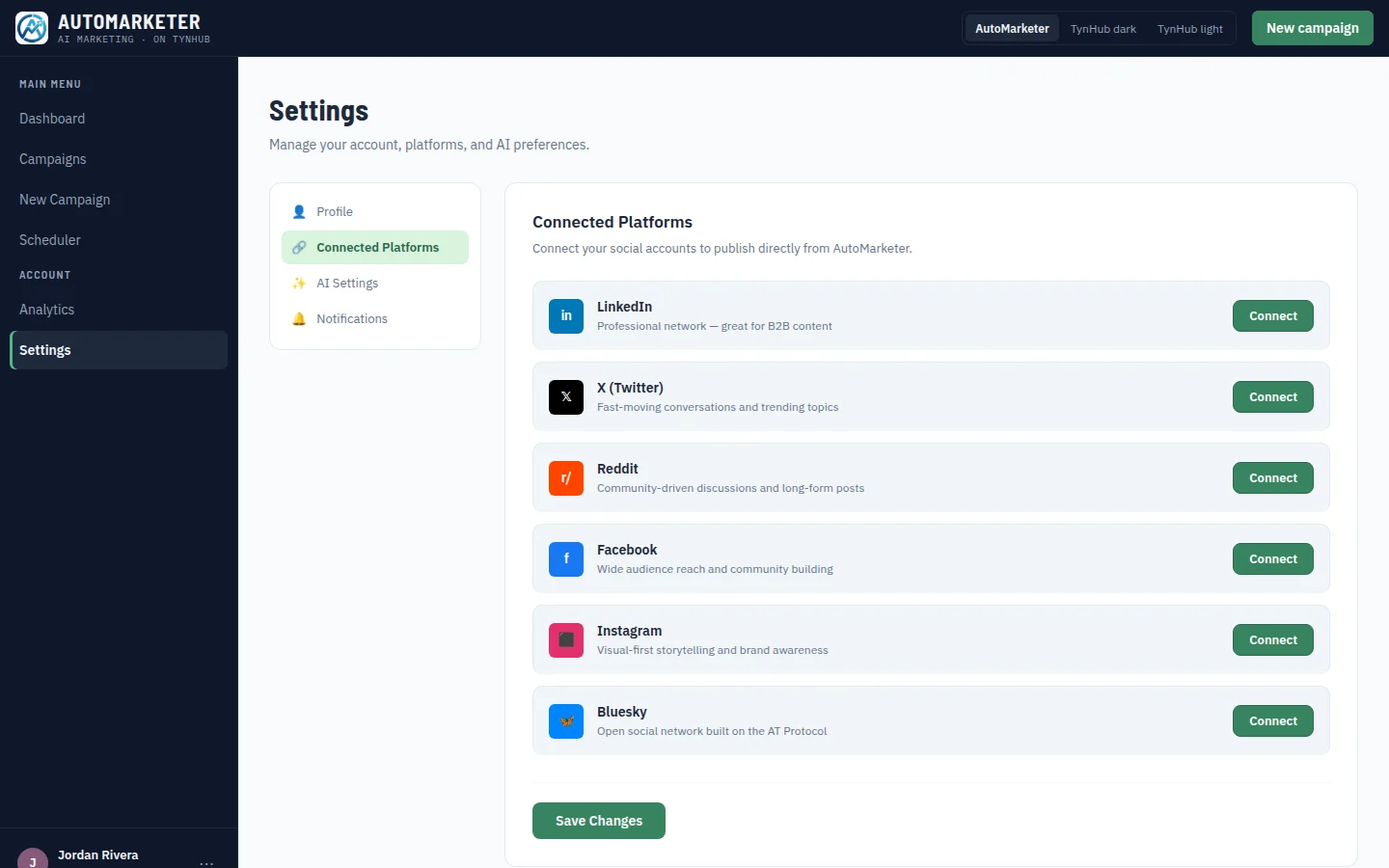
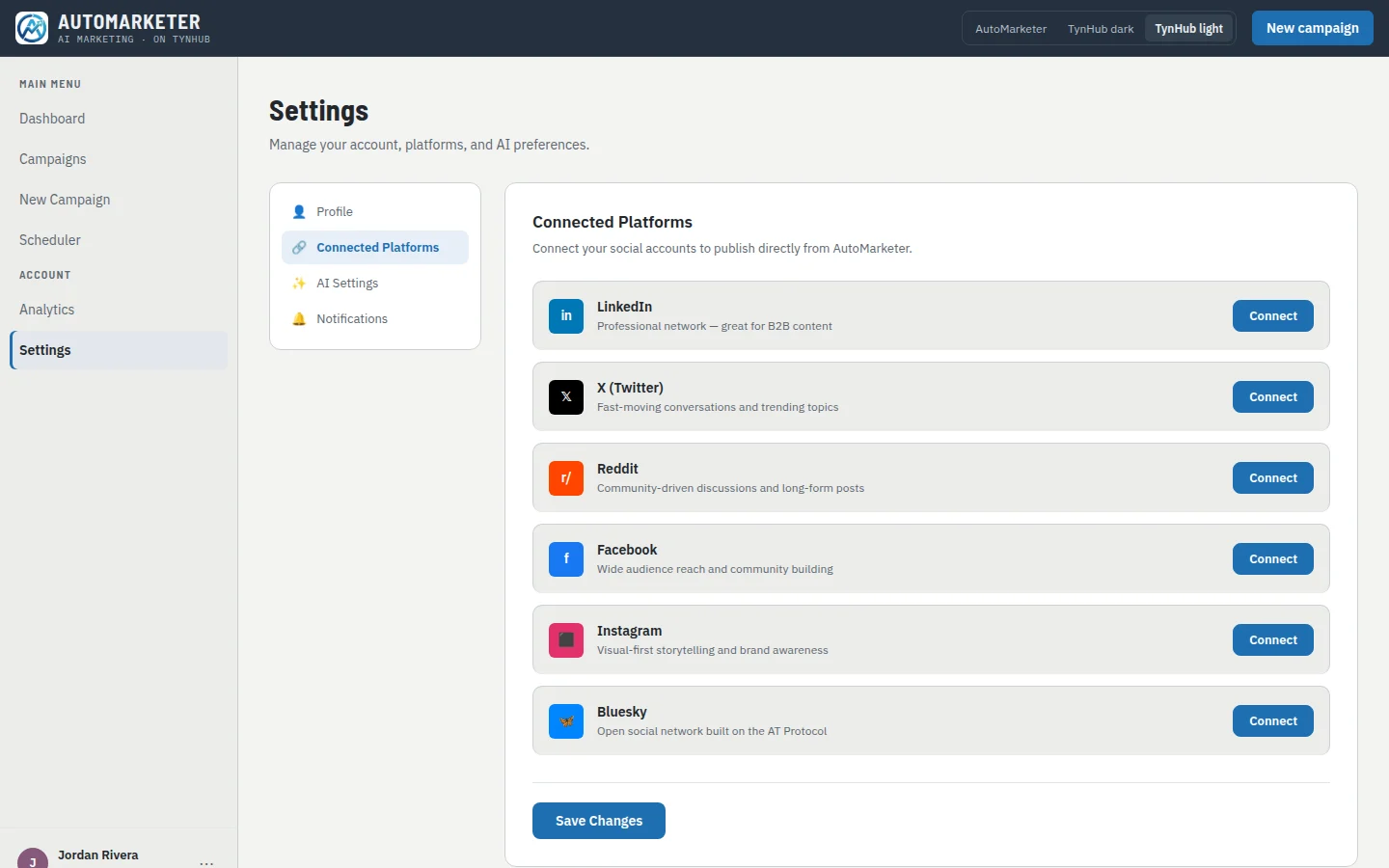
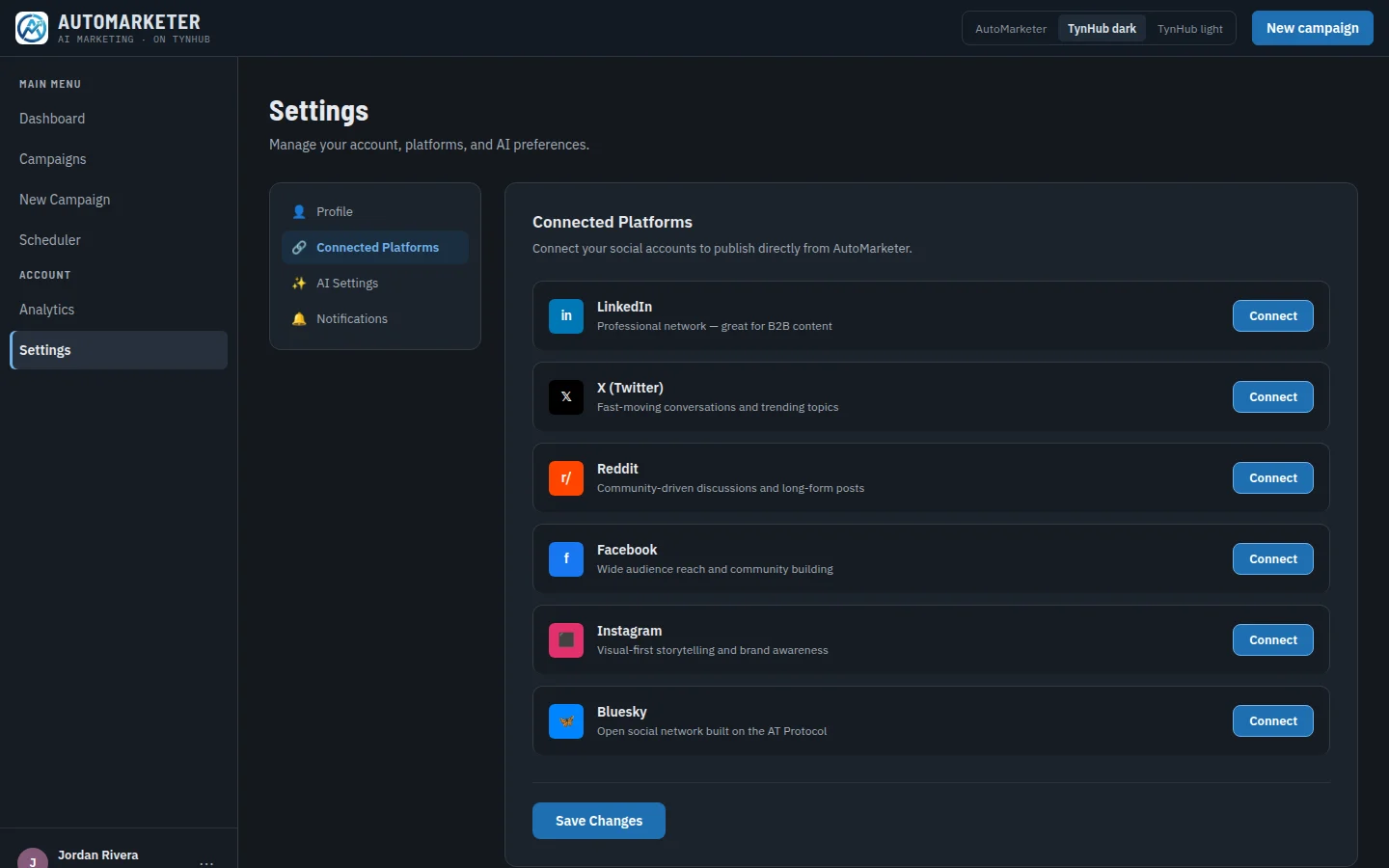
Sign in to each network once with its own OAuth screen. AutoMarketer stores the access token for your account only, refreshes it when it expires, and never sees your password.
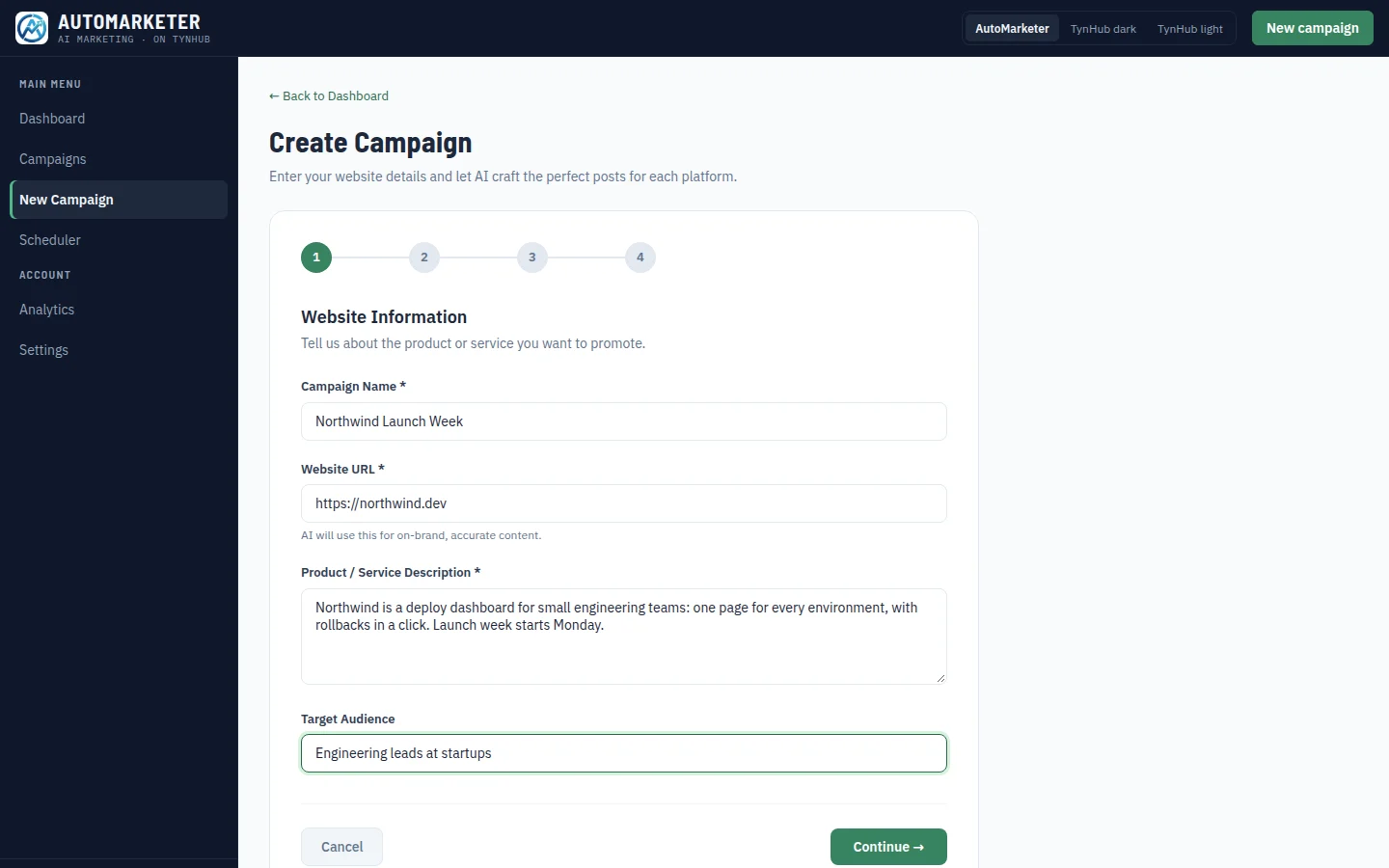
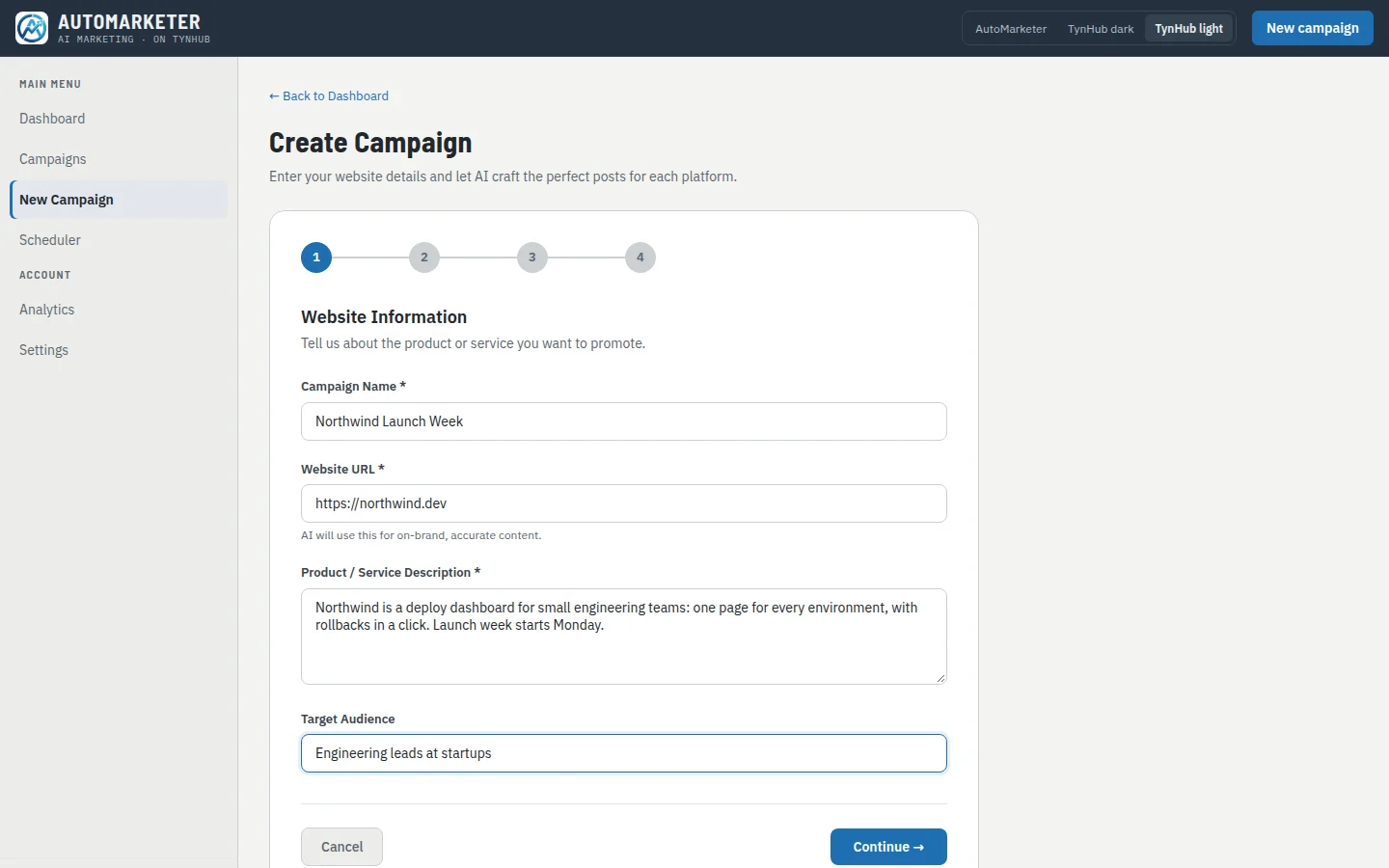
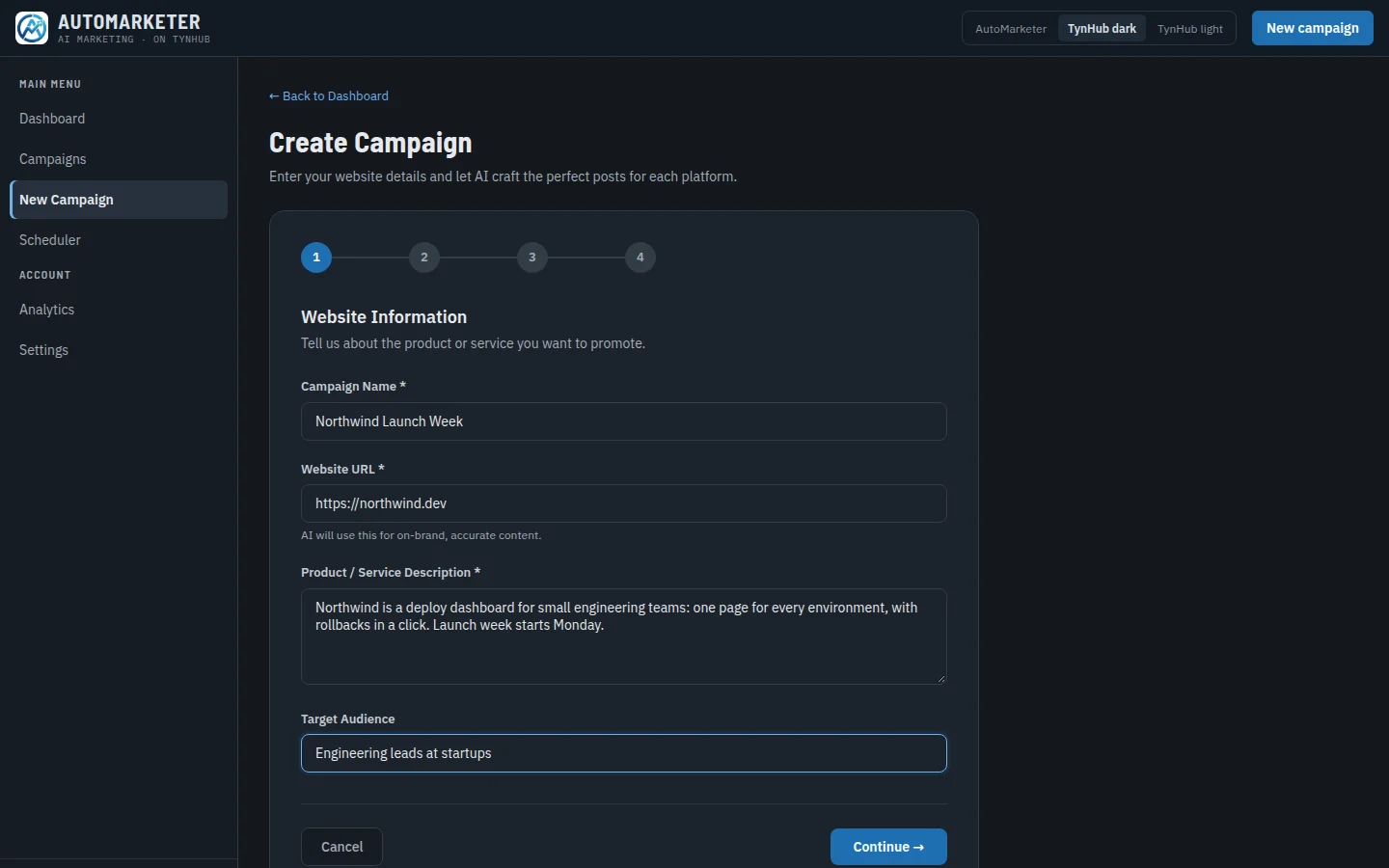
Give the campaign a name, the website it promotes and a few sentences about it. Add screenshots of the product if you have them; they travel with the campaign.
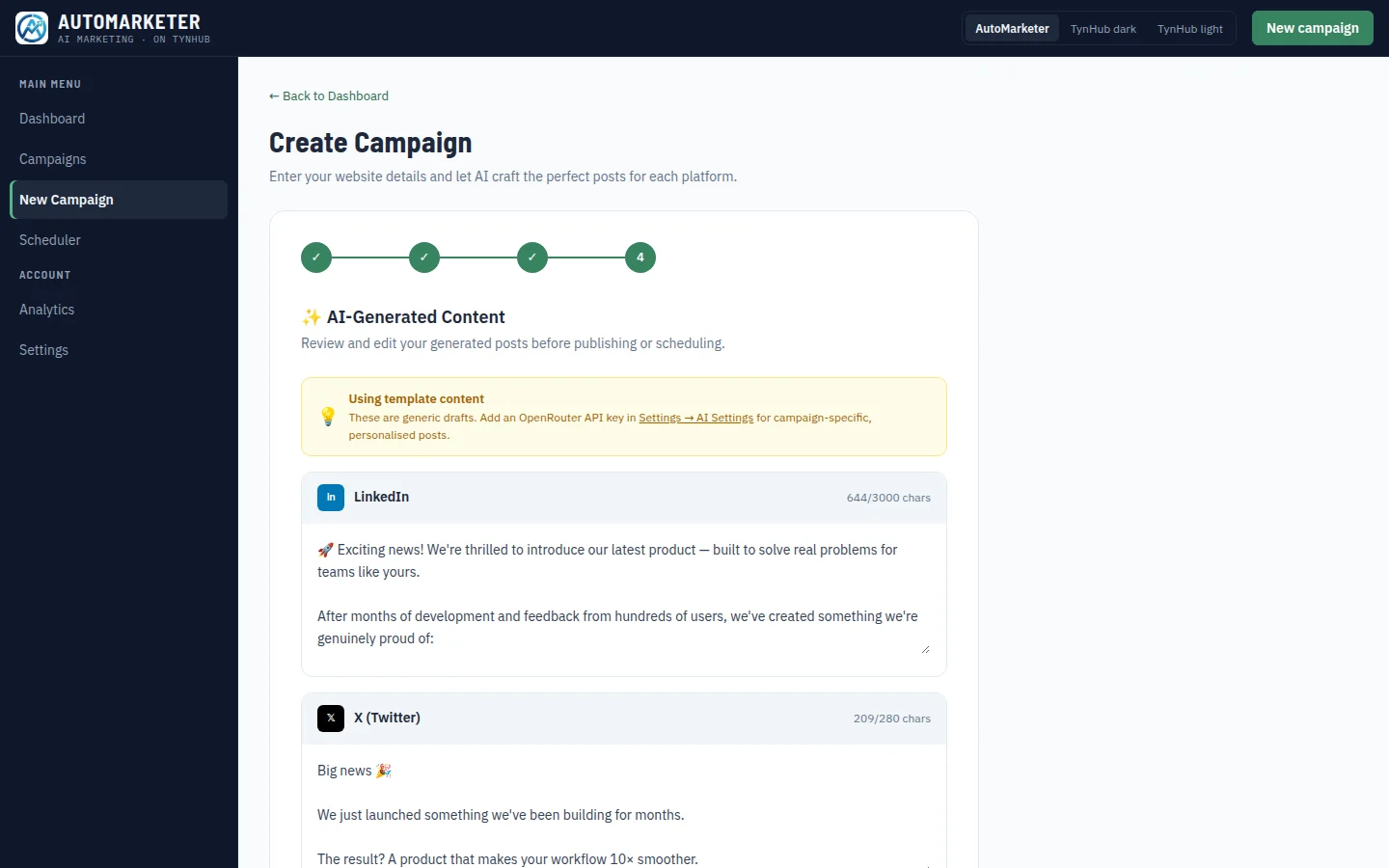
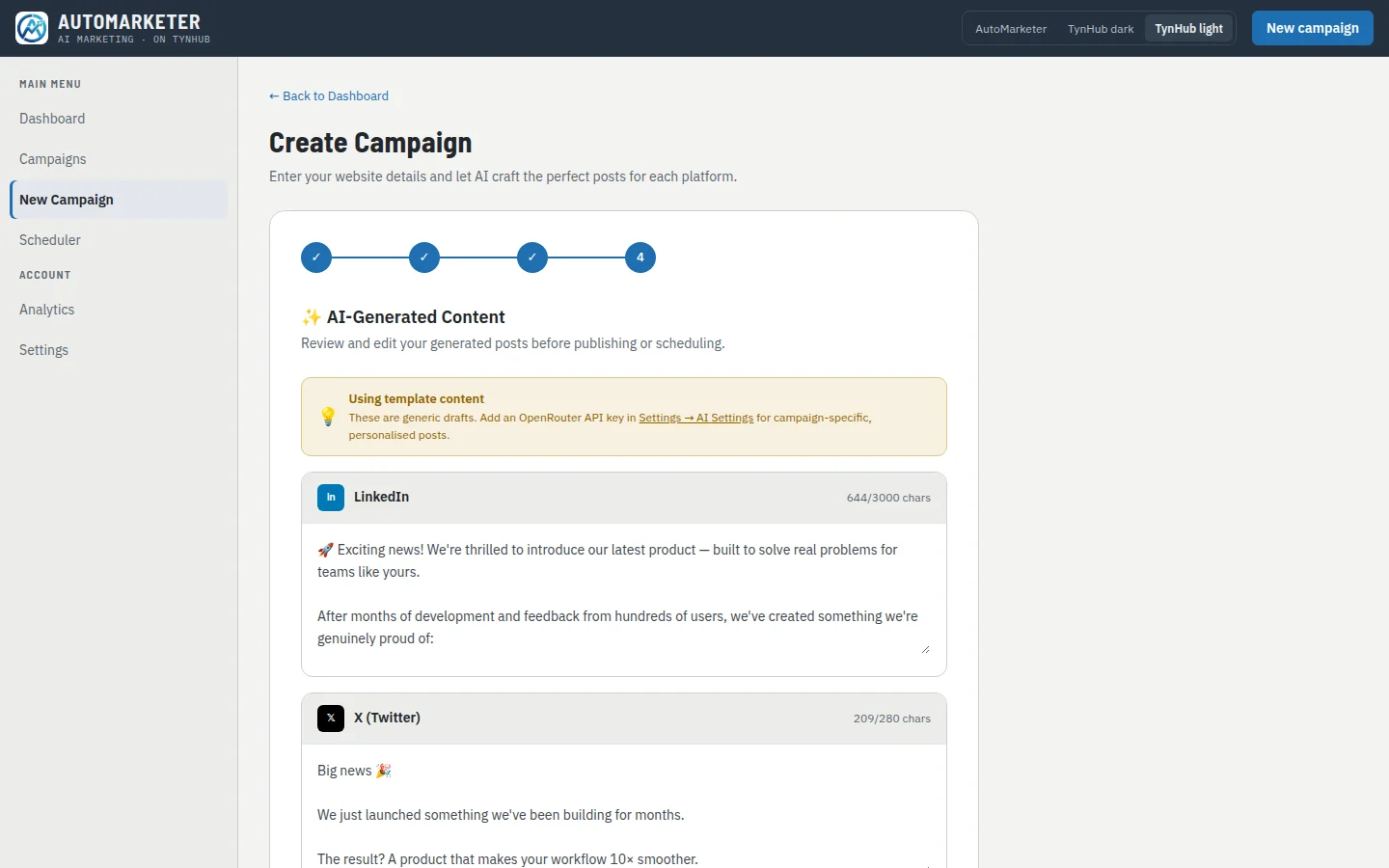
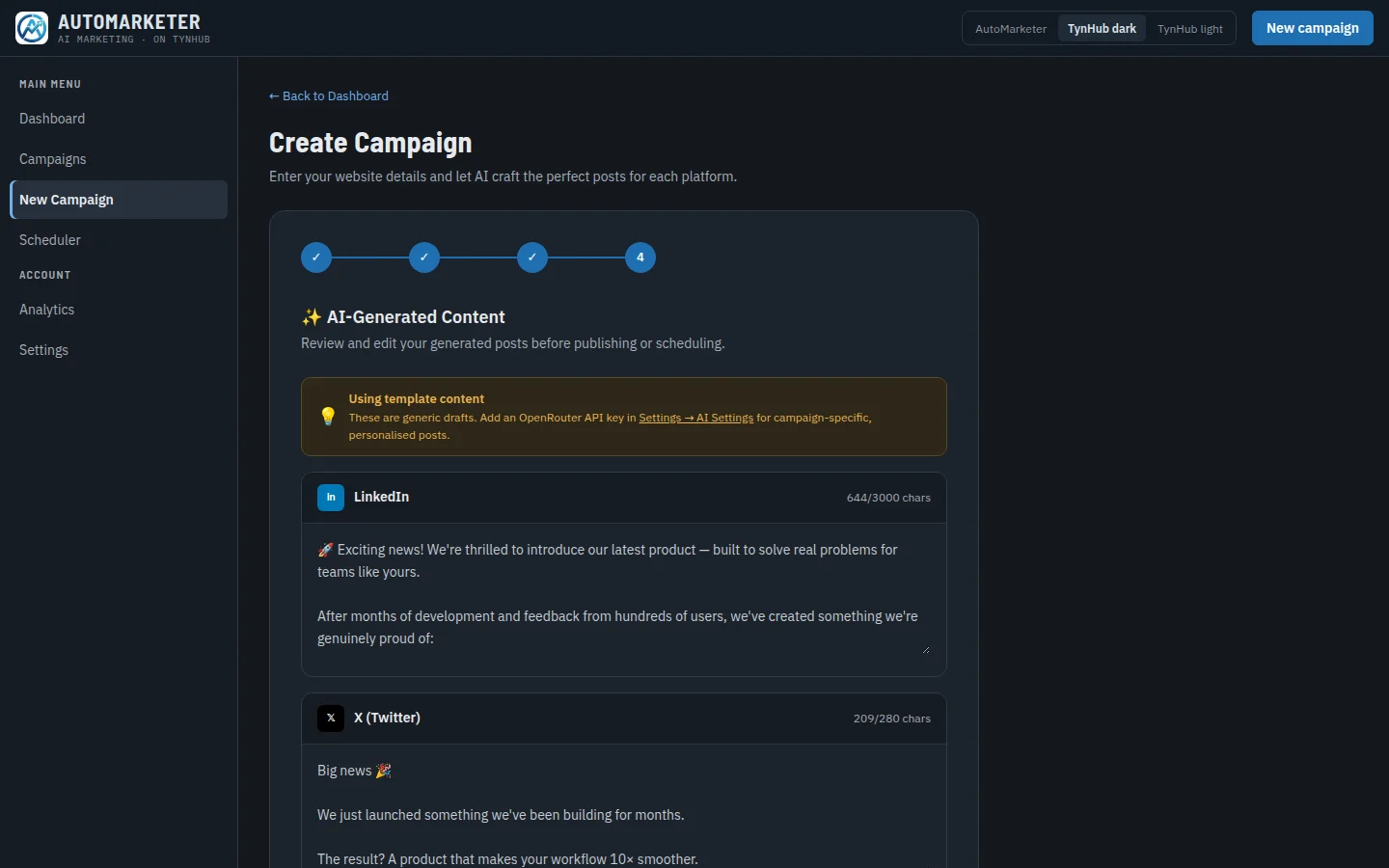
AutoMarketer writes one post per platform, each in that network’s voice and within its limit: 280 characters on X, 3,000 on LinkedIn, 2,200 on Instagram. Edit anything before you save.
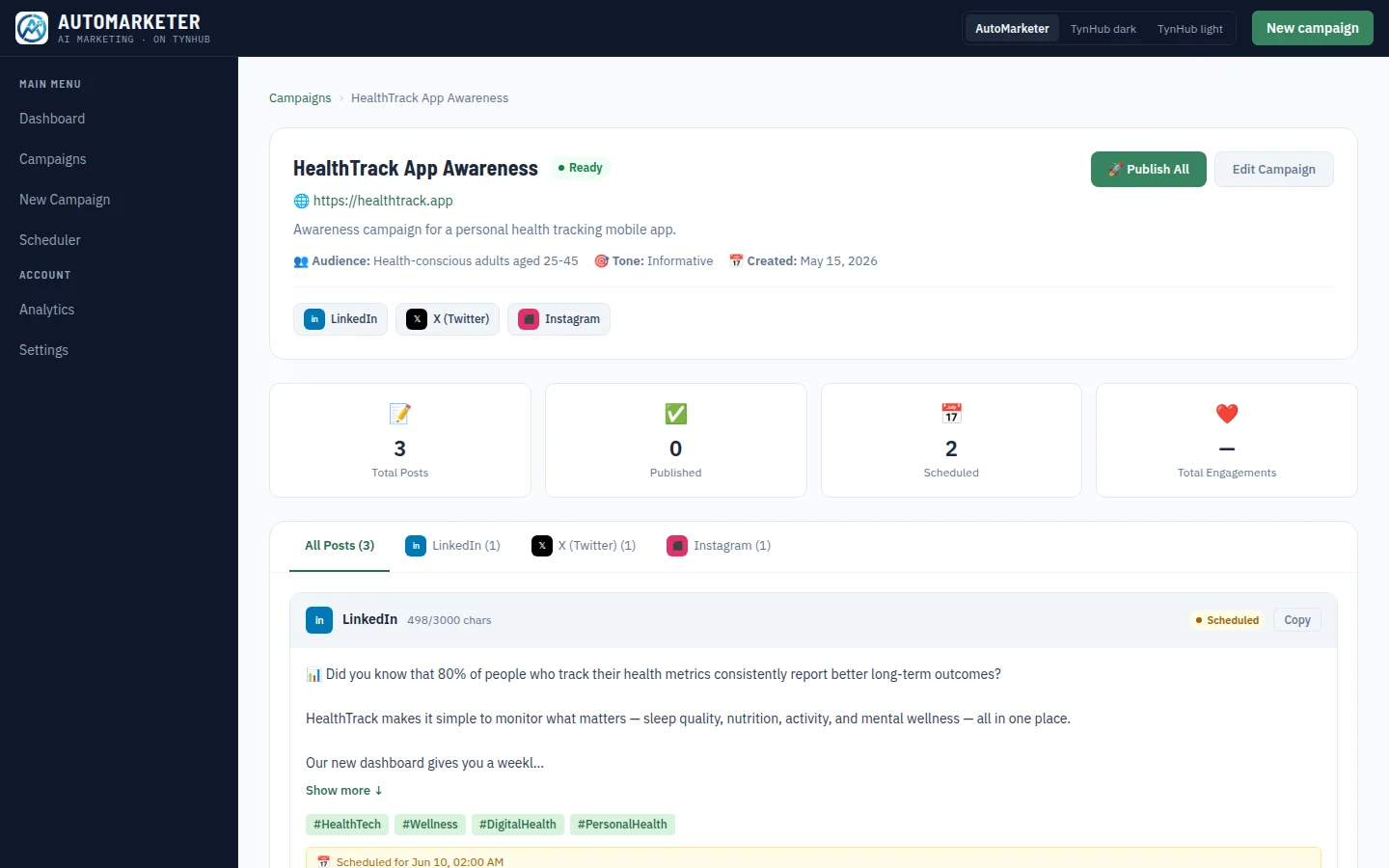
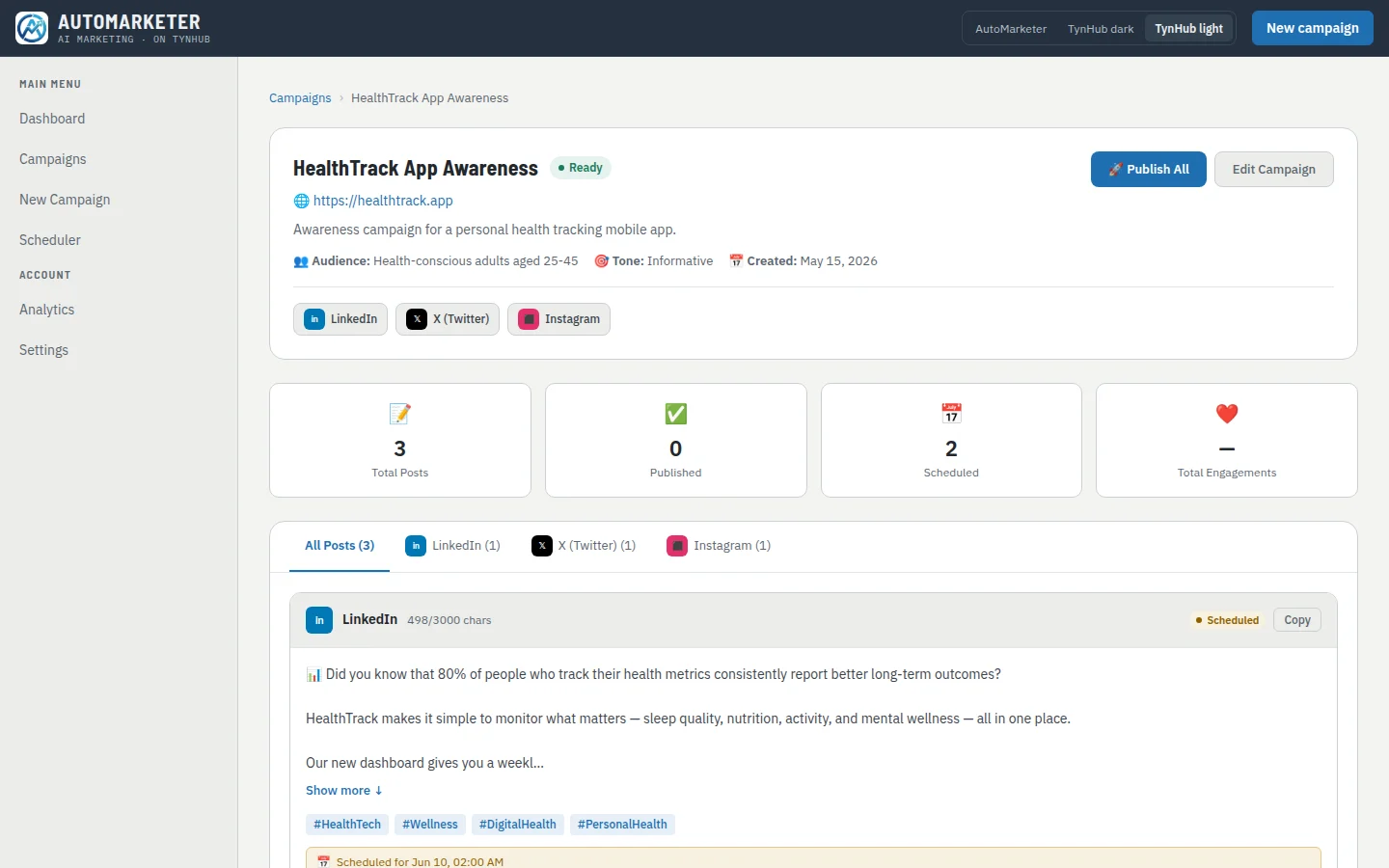
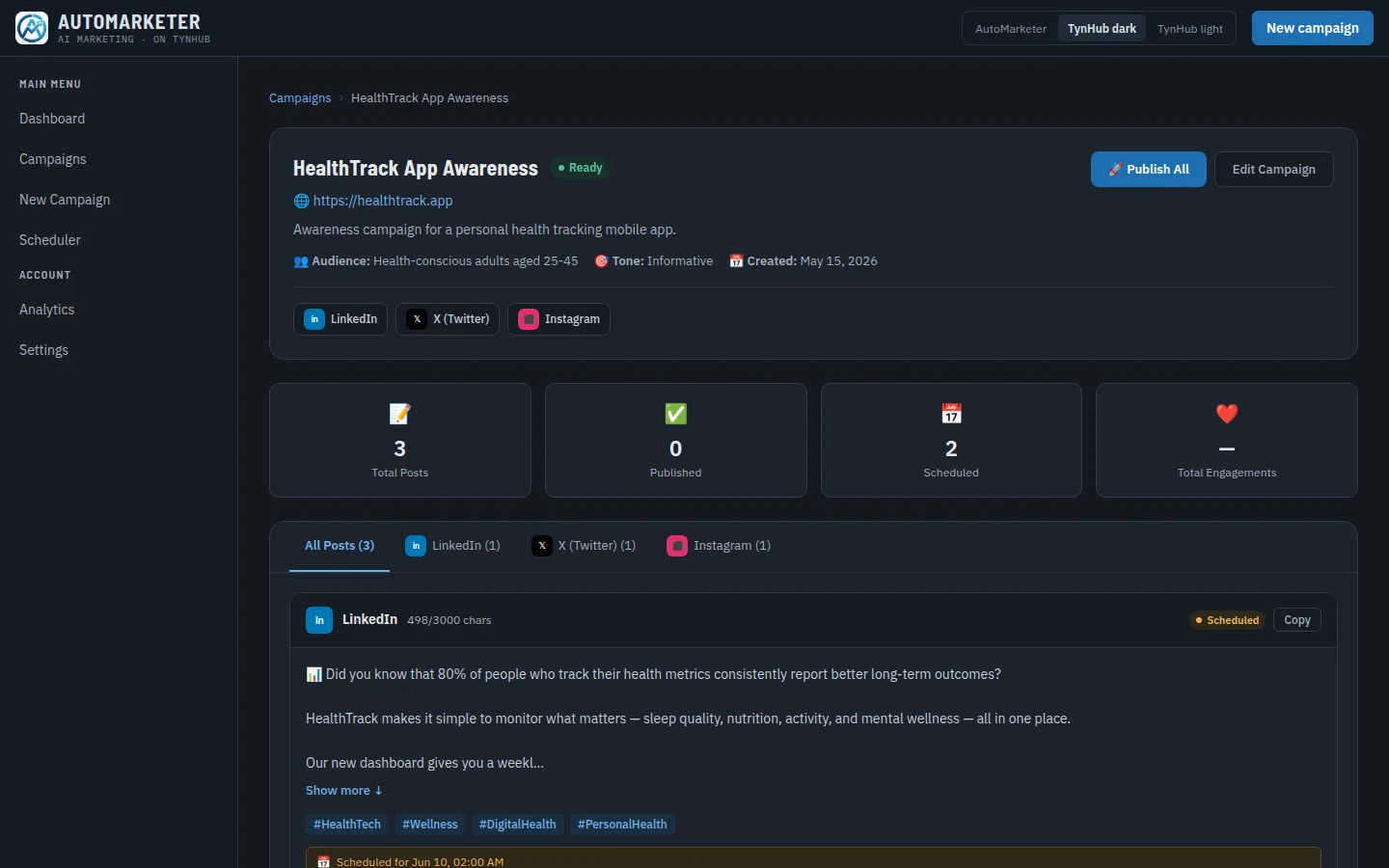
Publish the whole campaign with Publish All, or one post at a time, through each platform’s official API. The dashboard, calendar and analytics then show what went out, where, and how it did.
Write the campaign once. AutoMarketer turns it into a post for each platform you pick, in that platform’s voice and length.
OpenRouter or any OpenAI-compatible endpoint, including models you host yourself. Keys stay in your browser; only your style preferences sync.
Every post goes out through the platform’s own API on an OAuth connection you approved, so you can revoke it from the platform at any time.
Character limits are enforced before anything is sent. Long posts are trimmed at a word boundary, keeping your hashtags whenever they fit.
See every scheduled and published post on a calendar, with engagement by week and by platform, and your best-performing posts.
AutoMarketer is a TynHub product, alongside Routini. It will cross-post into TynHub xibits as the network opens.
No. Without a key the wizard writes template posts for each platform, so you can go through the whole flow. Add an OpenRouter key or your own endpoint in Settings → AI Settings when you want posts written for your campaign.
It stays in your browser’s local storage and is sent only to the model provider you chose. It is never sent to AutoMarketer’s server. Set a spending limit on the key at your provider, as you would for any key used in a browser.
No. You sign in on each platform’s own page and approve access; AutoMarketer receives an access token, stored for your account only. You can revoke it from the platform at any time.
LinkedIn (3,000 characters), X (280), Reddit (40,000), Facebook (63,206), Instagram (2,200) and Bluesky (300). Each post is checked against its platform’s limit before it is sent.
The calendar shows scheduled and published posts today, and you publish with Publish now. Automatic publishing at the scheduled time is next: the queue behind it, with retries and per-platform rate limits, is built and tested.